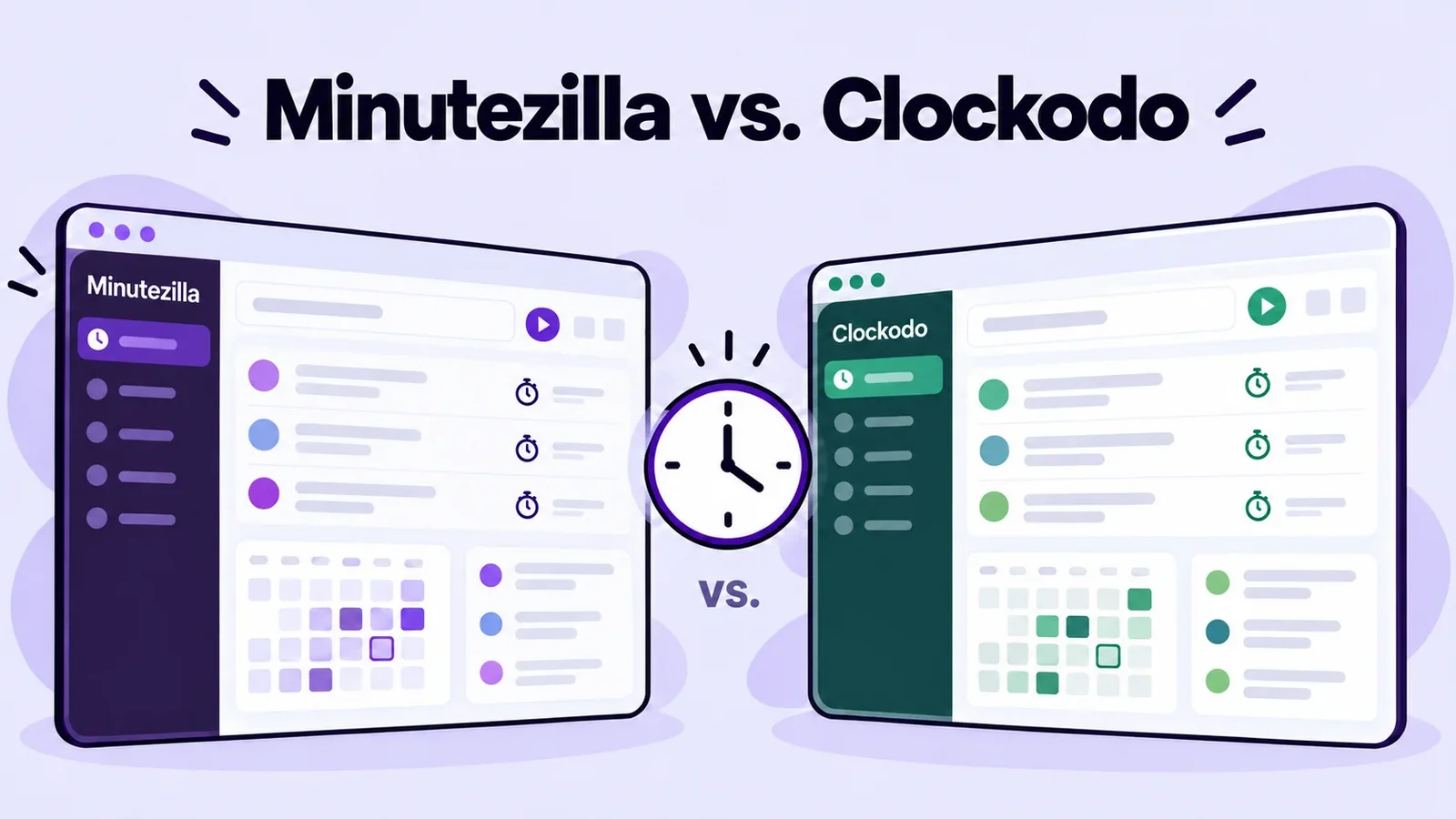
Looking for a Clockodo alternative? Start with the work your team needs to do: allocate project time, record attendance and breaks, approve leave and hand over reports. Switching makes sense when another tool fits those tasks better, not simply because it has a longer feature list.
This selection guide is published by Minutezilla. For features and current plans, see Minutezilla vs. Clockodo. This page focuses on requirements, a practical pilot and preparing the switch.
When to consider a Clockodo alternative
List specific problems from a normal working week. Is project time collected afterwards? Are attendance and leave kept in additional spreadsheets? Does payroll need different export fields? First check whether your existing Clockodo plan already supports these tasks.
Clockodo offers work-time and leave management and, depending on the plan, project budgets, native apps and integrations. Judge an alternative against your actual requirements. Review the Clockodo feature overview and pricing page.
Software selection checklist
- Project time: Can people describe work, assign projects and clients and add forgotten entries?
- Attendance: Do you also need start and end times and separately recorded breaks?
- Leave: Who requests and approves leave, and who can see balances?
- Reports: Test date filters, required fields and an export with your payroll contact.
- Devices: Is a browser sufficient, or do you need native apps, offline use or a terminal?
- Cost: Compare user counts, the required plan and terms after a free period.
Try Minutezilla for free
Time tracking, attendance, breaks and leave in one tool. Right in the browser, no credit card.
Test Minutezilla with a normal working day
Illustrative scenario, not a customer case study: a seven-person architecture office pilots one working week. Someone creates a client project, starts a meeting timer and adds a forgotten entry. Attendance and breaks are recorded separately. A manager reviews a leave request, then exports a time report and an HR report.
Compare assignments, balances, roles and export fields with existing results. A PDF time report or CSV HR report is not an automatic integration with every payroll system. Payroll CSV presets must match the recipient’s required fields.
Minutezilla combines project time, attendance, leave and overtime in the browser. An internet connection is required and the app interface is English. Breaks are recorded and insufficient entries can be flagged at check-out. This is not automatic break booking and does not guarantee that a break was taken.
If native smartphone apps, shift planning, project budgets or automated integrations are essential, evaluate them separately. Compare Clockodo’s documented capabilities with the current feature comparison. This Minutezilla web workflow does not provide automatic Clockodo data import.
Project time and attendance in Minutezilla
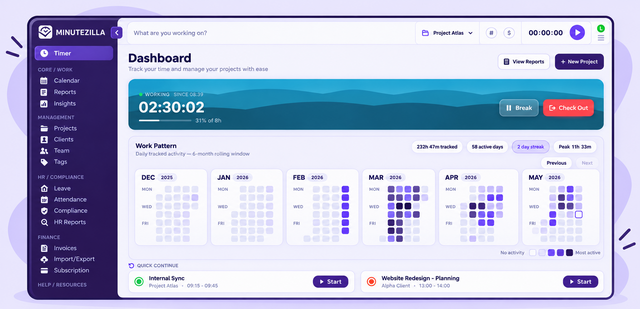
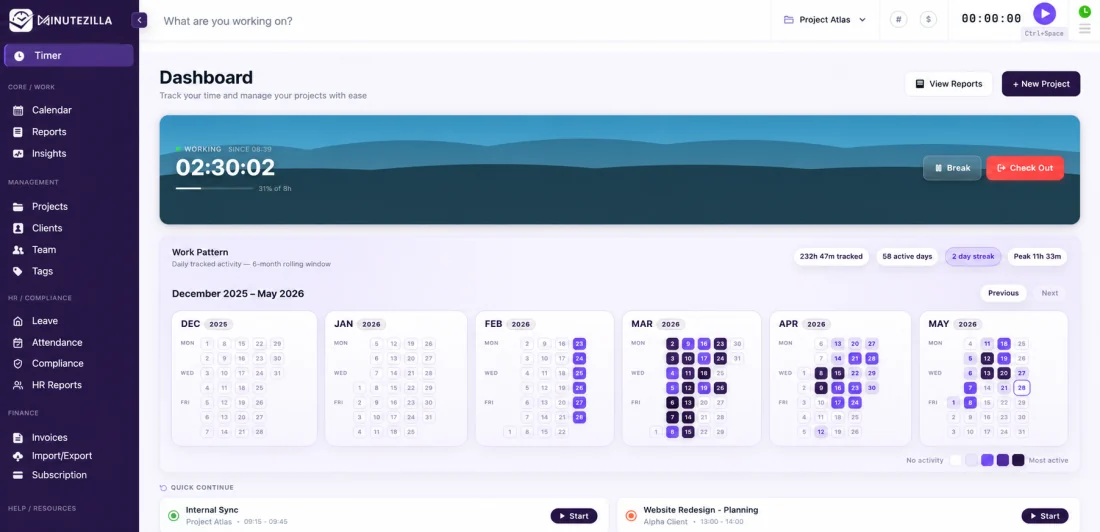
Choose a project and describe the activity in the timer. The attendance card handles check-in, check-out and breaks separately. In your pilot, establish which records your team needs for projects and which it needs for attendance.
Four results your pilot should produce
- Project report: An activity with a description appears under the correct project and reporting period. Also test a manually added entry.
- Attendance record: Check-in, check-out and a recorded break produce the expected working time. Compare project time and attendance separately.
- Leave workflow: A test user submits a request and the responsible role reviews it. Then check the displayed status and balance.
- Handover: Export a time report and an HR report. Ask the recipient to confirm the required columns and periods before replacing your existing process.
Use the guides to project time tracking, attendance and leave management. Record whether each result meets your needs and which work remains manual.
Prepare the switch
- Export and retain historical Clockodo data using its available formats.
- List projects, clients, user roles, leave balances and required reporting periods.
- Create a Minutezilla workspace and pilot with a small group.
- Review a monthly report and an HR export with payroll before changing the process.
- Agree a start date, inform employees and keep older records accessible.
CSV exports from the previous system are not automatically imported into Minutezilla. Plan historical retention and new records separately.
Clockodo alternative: frequently asked questions
Do I need a particular app to record working time?
The Federal Labour Court describes an obligation to introduce a working-time recording system. It does not prescribe a particular app. Review the requirements and procedures for your organisation.
Does EU hosting guarantee GDPR compliance?
No. Review processing terms, access, retention and employee information, among other requirements. Minutezilla hosts in Finland within the EU.
Can I automatically import Clockodo records?
No. Minutezilla does not currently provide automatic Clockodo or CSV import. Retain historical data separately and agree when new records begin.
How do I use Minutezilla on a smartphone?
Use the web app in a mobile browser. An internet connection is required and the app interface is English. This is the browser workflow, not a native smartphone app.
What does getting started cost?
All Pro features are free without a credit card until June 1, 2027. Later pricing is planned; check the current pricing page before choosing.
Review privacy and working-time procedures
No tool alone guarantees legal compliance. Review access, retention, a data processing agreement, employee information and any applicable representation requirements. Minutezilla hosts in Finland within the EU; that is not hosting in Germany or a blanket GDPR guarantee. Read the security information and privacy notice.
The Federal Labour Court’s decision 1 ABR 22/21 explains the obligation to introduce a working-time recording system under section 3(2), no. 1 of the Occupational Safety and Health Act. It does not recommend a particular app. Adapt recording, review and corrections to your organisation.
Launch offer and next steps
All Pro features are free without a credit card until June 1, 2027. Later pricing is planned. Check current pricing information before deciding and compare costs after the free phase.
Start Minutezilla for free or read the direct Clockodo comparison. Choose based on whether your team can complete its workflows with usable results.
Reviewed October 13, 2026. Competitor information comes from the linked Clockodo sources; Minutezilla descriptions cover the current web workflow. Examples are illustrative, not customer stories or independent tests.