In brief: Compare Minutezilla and Clockodo for time tracking, leave, reports and pricing. Find the right workflow for your team.
-

- Minutezilla
- Minutezilla vs. Clockodo
Comparison
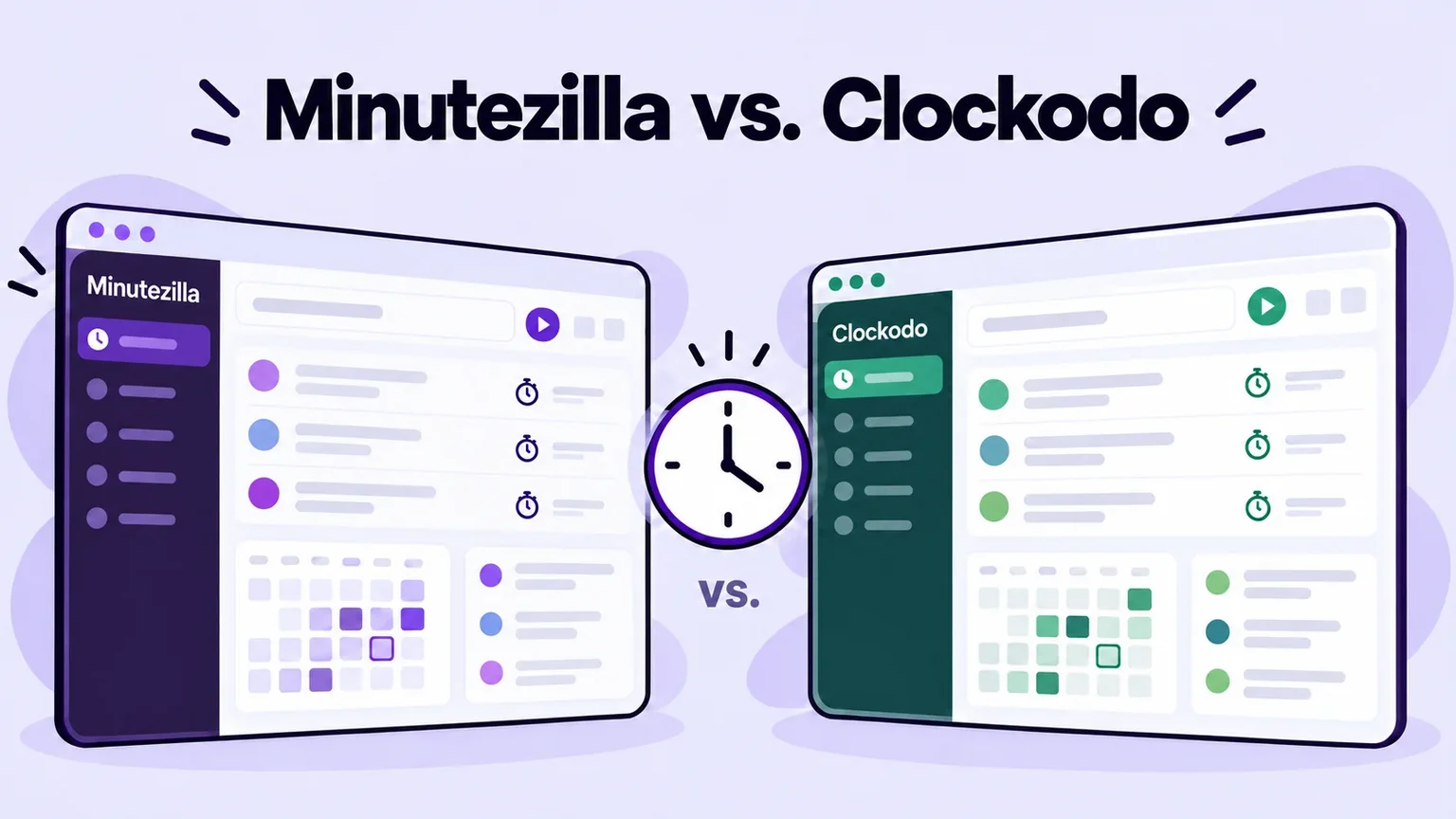
Minutezilla vs. Clockodo: Time tracking compared
Minutezilla combines project time, attendance and leave in the browser. Clockodo also offers native apps, project budgets and integrations. Compare the workflows and plan your team needs.
Which tool fits your team?
Minutezilla
For teams bringing project time, attendance and leave approvals together in a browser workspace. Pro features are free until June 1, 2027.
Clockodo
For teams needing native apps, project budgets or invoicing and payroll integrations. Project features are included in Pro.
Decision
This comparison is published by Minutezilla. There is no universal winner: compare a normal working day, required exports and plans using the same sample data.
Features and plans
| Category | Minutezilla | Clockodo |
|---|---|---|
| Project time | Timer, projects and manual entries. | Pro: clients, projects, services and budgets. |
| Attendance | Clock-in, clock-out and breaks. | Basic: start, end and breaks. |
| Leave | Requests, balances and approvals. | Basic: absence management. |
| Roles | Admin, manager and member. | Role-based access. |
| Reports | PDF time reports; CSV HR reports. | Project reports in Pro; reports as PDF and CSV. |
| Data hosting | Hosting in the EU (Finland). | Review hosting and processing terms with the vendor. |
| Devices | Browser web app; internet required. | Browser, desktop, smartphone and terminal. |
| Trial and pricing | Pro features free until June 1, 2027; later pricing planned. | Basic €4, Pro €10, Pro Plus €12 per user/month, excluding VAT as listed; 14-day trial. A limited free plan is available for one user. |
Checked: October 13, 2026. Sources below.
Example: a twelve-person agency
Illustrative example, not a customer reference. Test one normal working week in both tools.
Project time and attendance
Record client work, an internal meeting and breaks; review project time and attendance separately.
Leave and visibility
Submit a leave request and check what members and managers can see.
Monthly report and export
Export a monthly report and review its fields with your payroll contact.
Apps and switching
If needed, test native apps, budgets or integrations in Clockodo. This Minutezilla web workflow does not offer automatic data import.
Practical differences for your decision
Project teams
Minutezilla allocates time to projects and clients. Clockodo Pro adds budgets, hourly rates and project controlling.
Working on the move
Minutezilla runs in the browser and needs internet. Clockodo provides desktop and smartphone apps and terminal connectivity.
Payroll
Minutezilla offers CSV HR reports and payroll CSV presets; validate the fields before handoff. Clockodo documents connections to payroll tools.
Rollout and privacy
Review roles, processing terms, retention and employee information. No tool alone guarantees legal compliance.
FAQ
Frequently asked questions
-
Does Clockodo also offer attendance and leave?
Yes. Clockodo lists work time and absence management in Basic.
-
Does a tool alone guarantee legal compliance?
No. Configuration, access and internal processes must fit your organisation.
-
How was this comparison reviewed?
On October 13, 2026 against the vendor sources linked below. Check plans again before choosing.






Try Minutezilla with your workflows
Check project time, attendance, leave and a report against your requirements.
Sources and review date
Features checked on October 13, 2026 against the linked vendor sources. Plan scope and terms can change; check them again before choosing.
Clockodo: features and plans · Clockodo: current pricing and trial