A useful timesheet shows when someone worked, which breaks they took and how the total was calculated. A consistent layout makes month-end checks easier than a list of estimated daily hours.
Start with the essential fields
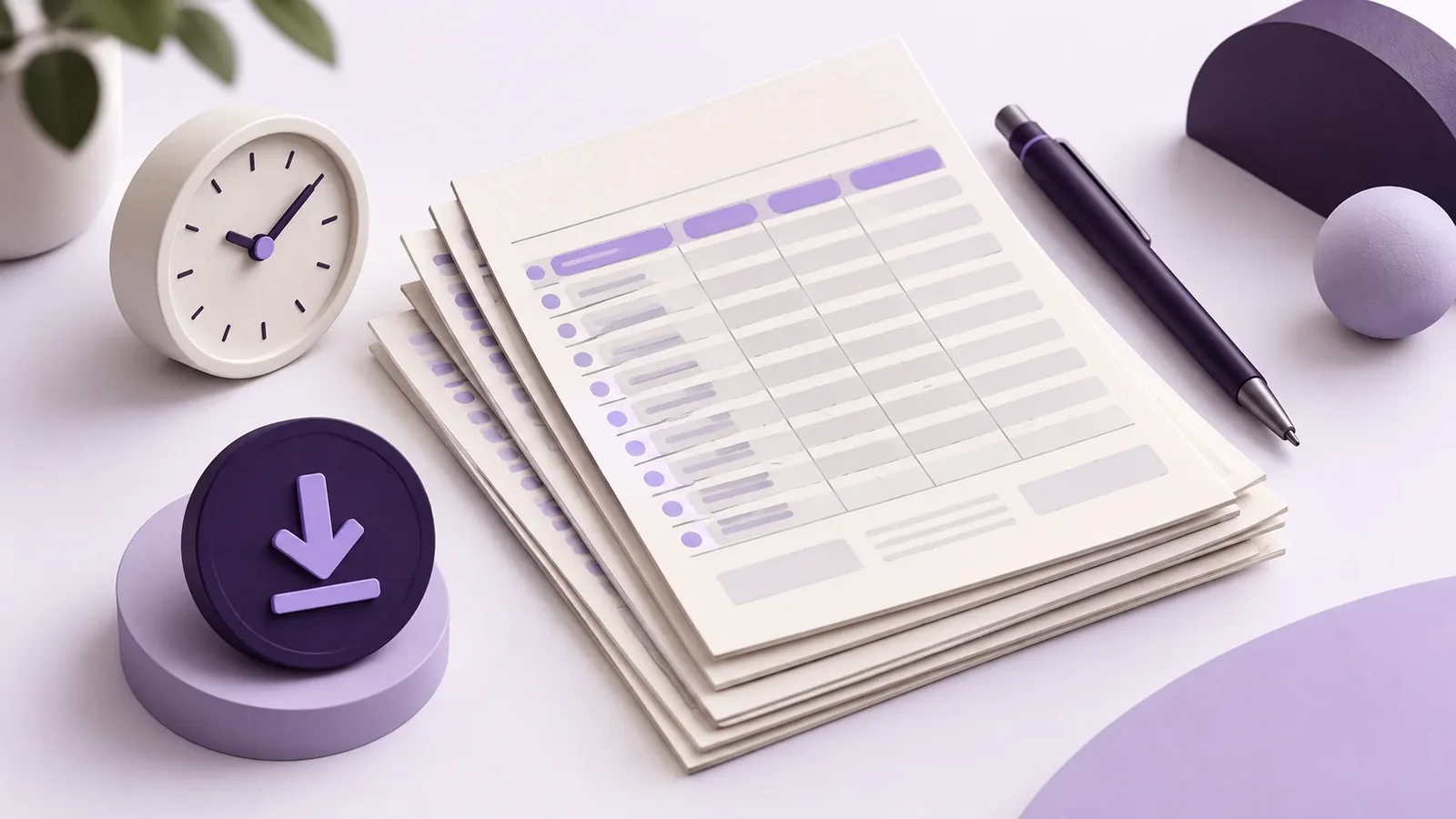
Put the employee’s name, reporting period and reviewer at the top. Use a separate row for each day or work interval. Include the date, start time, finish time, break start, break end, net working time and a brief factual note. If there are several breaks, provide additional rows or a separate break log.
| Date | Start | Finish | Break | Net time | Note |
|---|---|---|---|---|---|
| 5 October 2026 | 08:00 | 16:30 | 12:00–12:30 | 8:00 | Client project A |
| 6 October 2026 | 08:15 | 16:45 | 12:00–12:45 | 7:45 | Internal workshop |
| Total | 15:45 |
These sample entries explain the calculation. They do not replace a review of the full working pattern or any industry-specific requirements.
Make the spreadsheet difficult to break
Separate inputs from calculations. Highlight the cells employees should complete and protect formulas against accidental changes. Keep a clean master copy.
Use actual time values. Entries such as “eight until half four” cannot be added reliably. In Excel, use a duration format such as [h]:mm for totals that may exceed 24 hours.
Keep corrections traceable. For relevant changes, record what was corrected and why. A shared file that anyone can overwrite without a reliable history may not be suitable.
Try Minutezilla for free
Time tracking, attendance, breaks and leave in one tool. Right in the browser, no credit card.
Review the exceptions first
At month-end, start with missing finish times, unusually long days, negative durations and duplicate file versions. Check absences separately from hours actually worked. Once the entries are complete, compare the total with the relevant scheduled hours. Save the final version with a clear name and appropriate access controls.
Avoid a team spreadsheet that exposes everybody’s records to every colleague without a need for that access. Do not put medical diagnoses in the notes field. A work-related explanation and sensitive health information serve different purposes.
For the legal background in Germany, consult the Federal Labour Court’s time-recording decision and the rules that apply to your organisation. A template alone does not guarantee compliance.
Frequently asked questions
Is a monthly total enough?
A total does not show when the work took place. Keep the underlying daily records available and understandable.
When is it worth switching to software?
If you regularly merge files, compare versions or chase missing information, test an alternative using real working patterns. Compare the effort involved in entering, reviewing and exporting the records.
Try the layout with one working week
Use the columns above to create a test sheet. You can then compare the process with recording the same week in Minutezilla.